
Quick align texture to the longest edge of the face by D95design
Advertisements
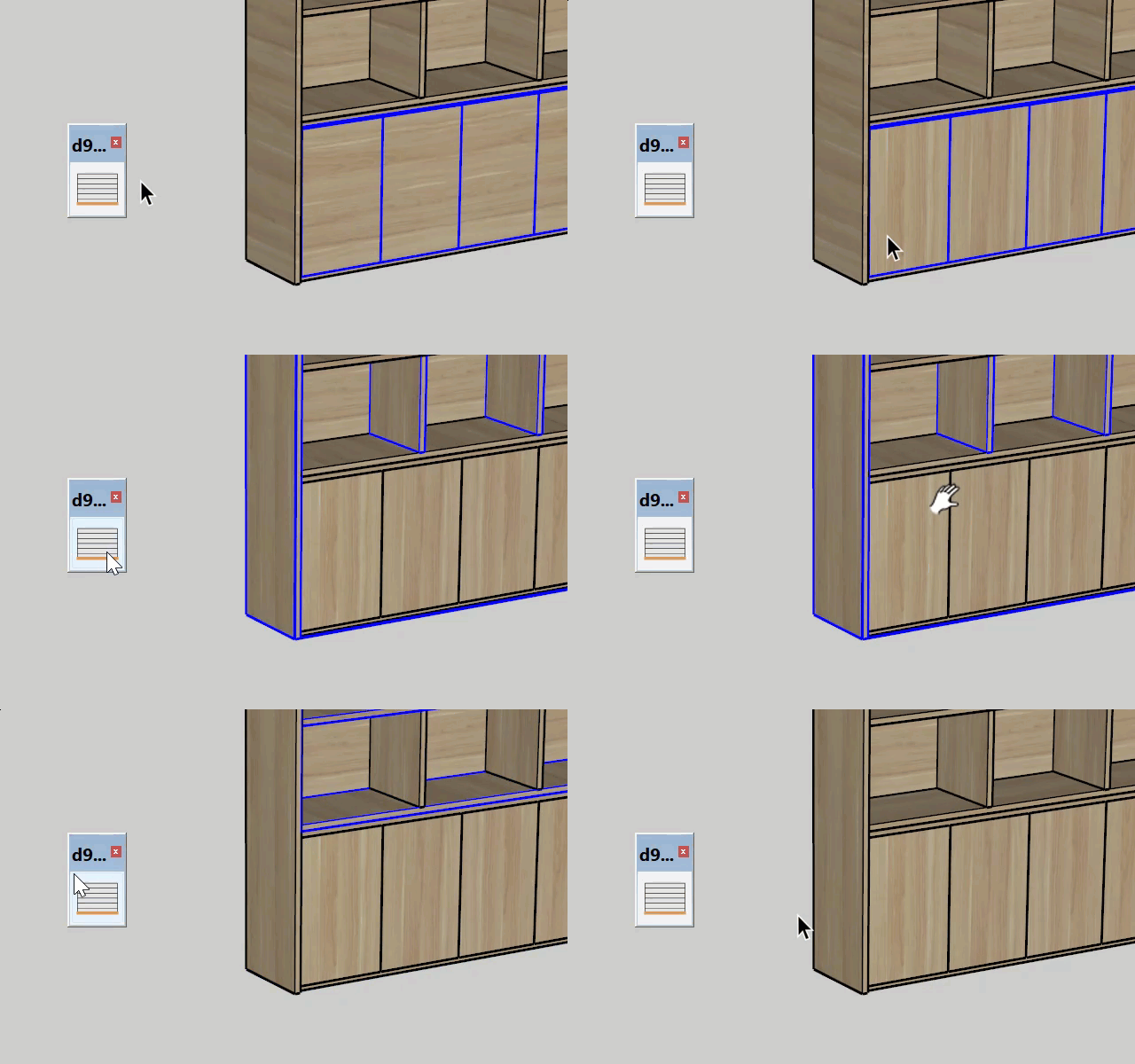
Quick align texture to the longest edge of the face.
It automatically detects texture orientation, and materials applied to groups and components are also supported, not just those applied directly to faces.
This plugin does not handle UV mapping very well on curved surfaces. Keep that in mind.
- Lastest version: 1.01
- Updated date: 01/07/2025
- Support: SketchUp 2018 and higher. SketchUp 2022 and higher is recommended.
HOW TO INSTALL
- If the file you downloaded is in ZIP format, extract it to get RBZ installer file.
- Using Extensions > Extension Manager in SketchUp to install.
- You can find plugin in Extension > d95design.com > D95 DESIGN.
HOW TO UNINSTALL
Advertisements
- Using Extensions > Extension Manager in SketchUp to uninstall.
- Restart SketchUp if necessary
VIDEO
Sketchup CGtips is one of the leading online platforms providing high-quality SketchUp models for designers and architects. Here, users can explore thousands of diverse models ranging from interiors, exteriors, architectural elements, decorative items, electronics, to specialized collections for living rooms, bedrooms, kitchens, offices, or coffee shops. Each model is meticulously crafted, highly detailed, accurately scaled, easy to edit, and fully compatible with popular versions of SketchUp.
A standout feature of these SketchUp libraries is their compatibility with V-Ray and Enscape, ensuring realistic, vivid, and professional rendering results. This helps designers, architects, and 3D artists save valuable time while significantly enhancing the quality of their final projects. The library is continuously updated with the latest design trends, covering a wide range of styles from classical and modern to minimalistic.
Advertisements